
INTRODUCTION
How can Figma level up its product lineup?
As Figma expands its suite of products to support users at every step, we explored potential directions for its future, with a particular focus on how AI could be introduced. According to Figma’s AI Report, only 31% of designers use AI for core work compared to 59% of developers. Recognizing this gap, we wanted to explore how Figma might innovate to bridge the divide and reimagine how designers work with AI.
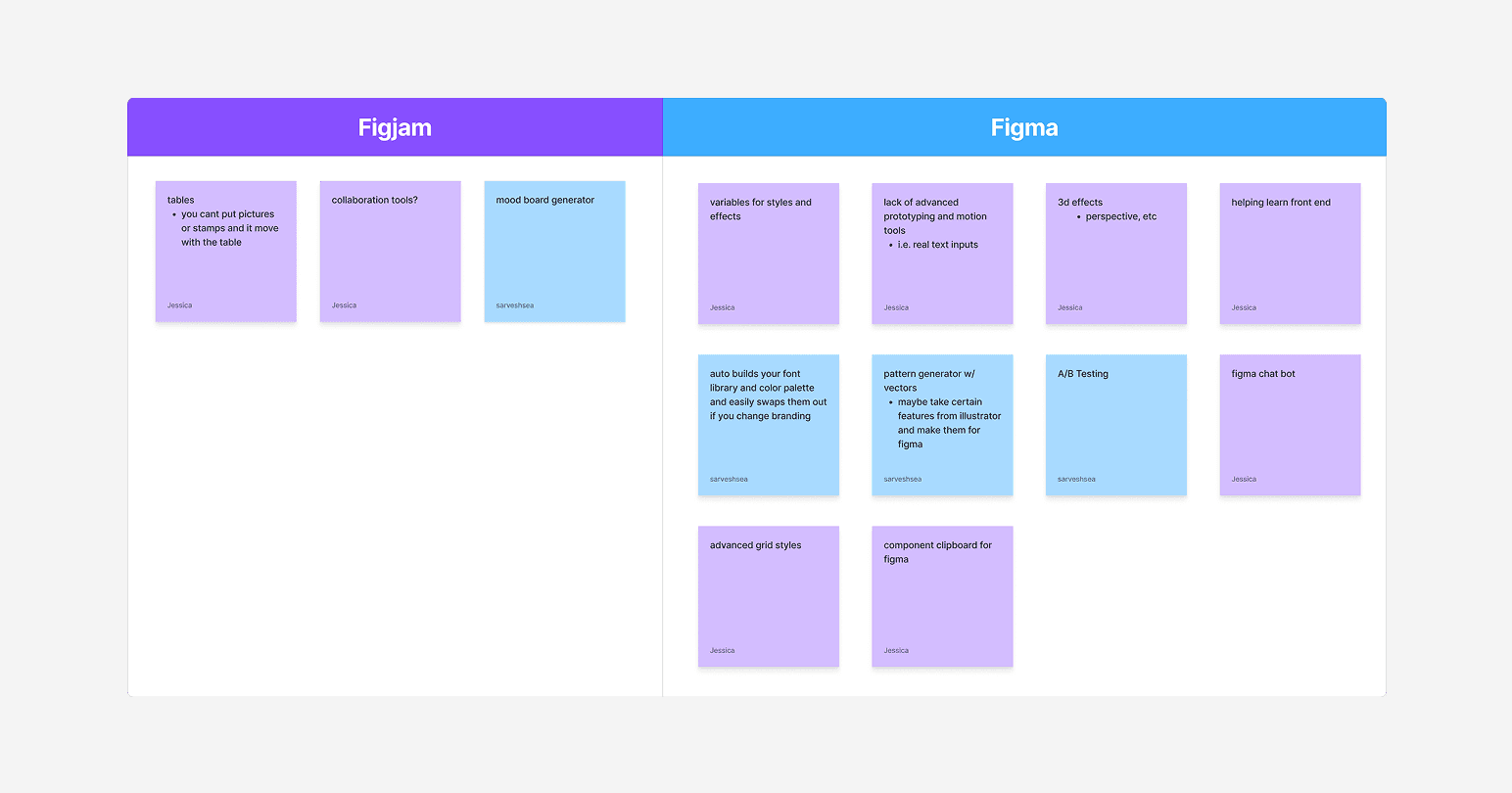
Our potential ideas
PROBLEM (USERS)
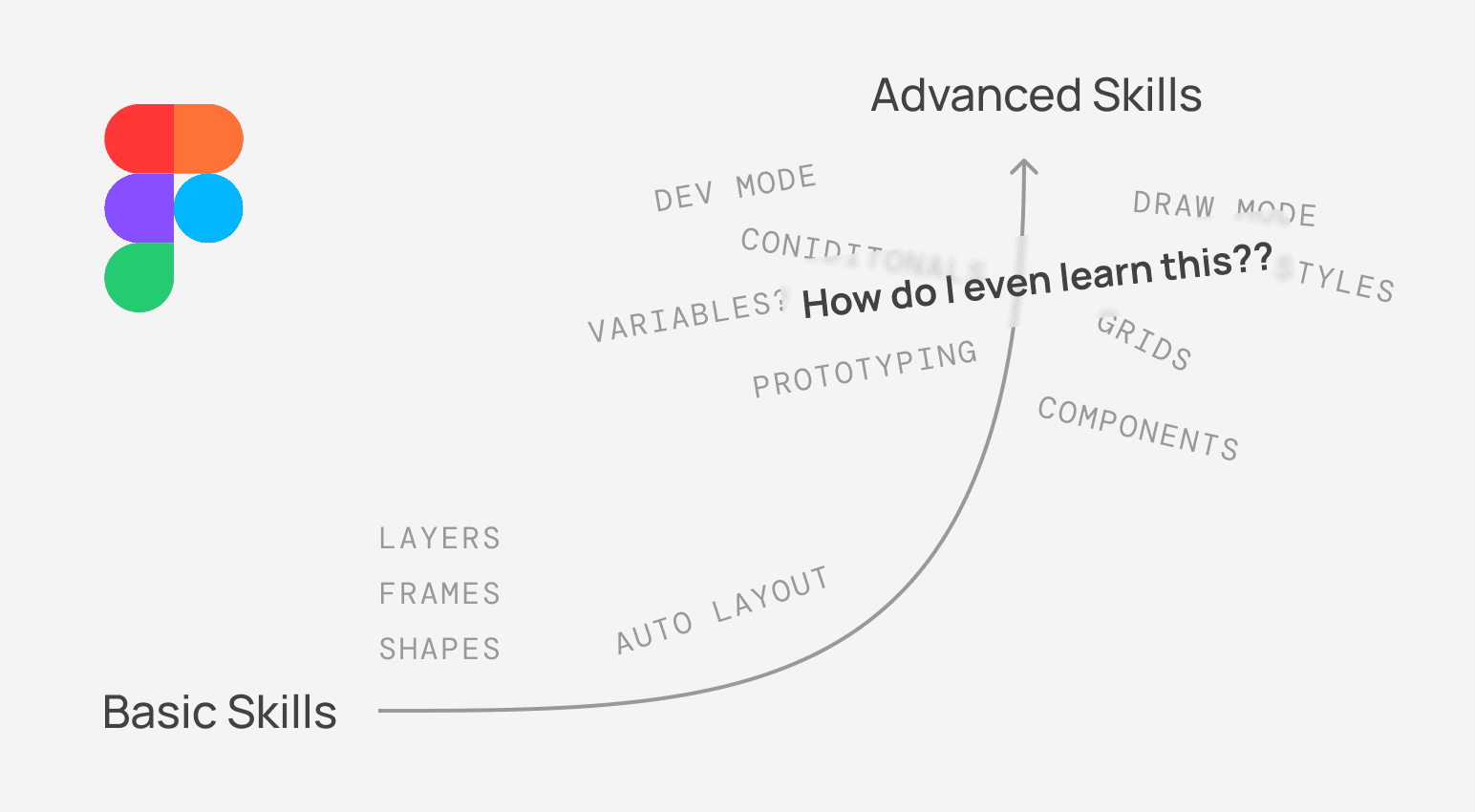
Mastering Figma’s advanced features isn’t easy, and many users struggle to improve their skills
From my own experience in design-related clubs, I’ve noticed that many members don't explore beyond the fundamentals, often because they don’t know where to look for resources, find it challenging to stay inspired, or are unaware of alternative methods. Instead, they continue working with just the basics of Figma, which limits both their efficiency and their ability to collaborate at a higher level.
PROBLEM (BUSINESS)
Figma’s goal is to make its tools an essential part of users’ workflows
An essential part of this goal is to make Figma easier to learn.
Drive adoption of new features
Support users in discovering and using new functionality
Increase platform loyalty
The more confident users are in Figma, the less they’ll consider alternatives
SOLUTION PREVIEW
Design Pal is your on-canvas AI assistant that provides real-time, context-aware assistance for designers at all skill levels
1/2
New learn tips and shortcuts all within Figma
Using the panel in Figma to add Auto Layout? Learn about available keyboard shortcuts to speed up your workflow!
2/2
Instantly get redirected to online articles or time-stamped videos to solve your problem
Simply ask your Design Pal any question to get immediate assistance.
PROCESS
With a lot of ideas in mind, we needed to understand current AI limitations to see what was actually possible
While AI is a powerful tool, it can't do it all. At least not yet. To understand the limitations of AI in the context of our plugin, we created initial models to understand what features we envisioned were actually feasible.
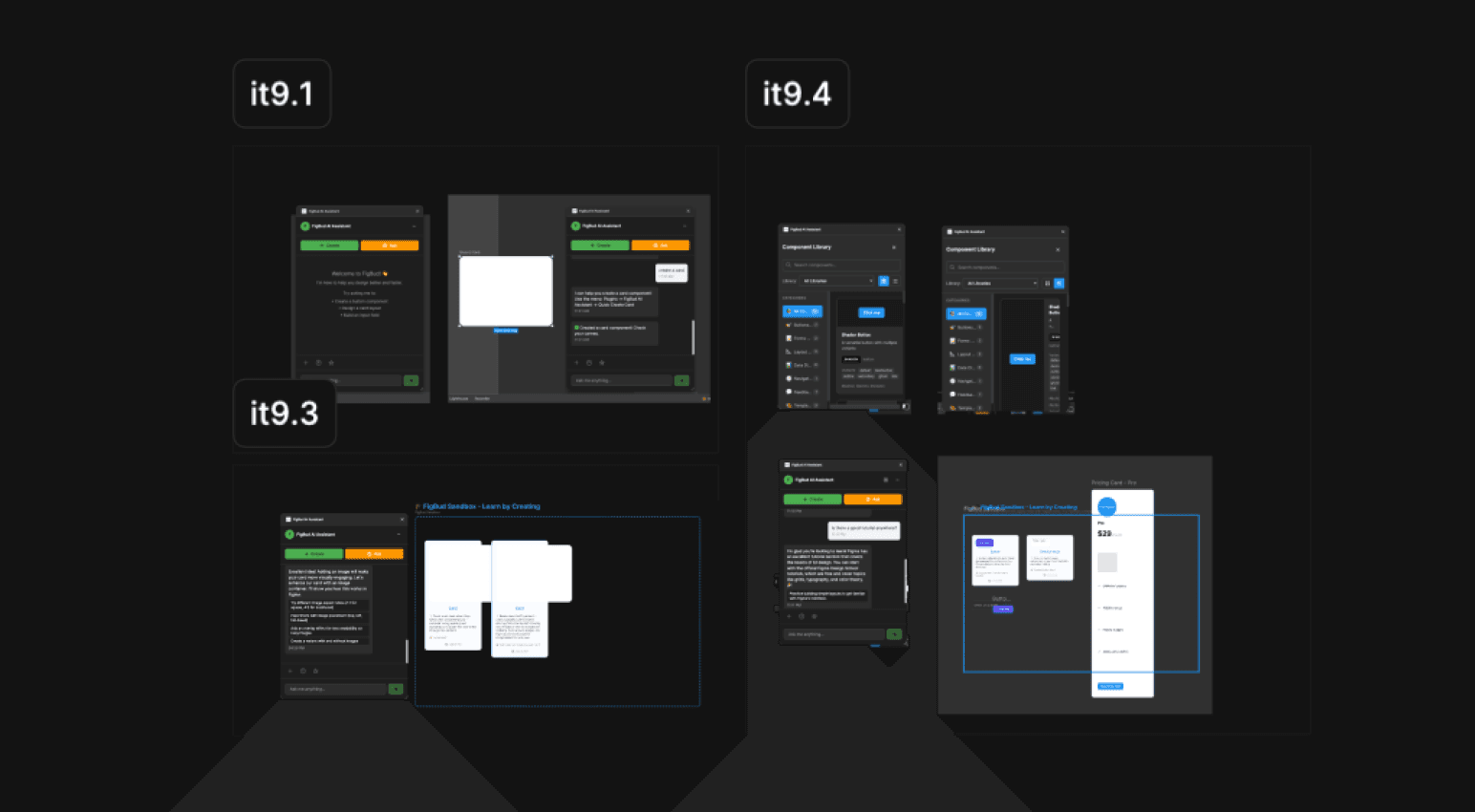
Initial versions of the plugin
PROCESS
Moving from design to front-end utilizing vibe coding
While I was working on designs, my developer worked on developing the plugin's back-end, utilizing a mock front-end. After I finished designing the interface, I moved into Cursor to vibe code out the front-end. This process took many iterations, leaning on my coding knowledge to make targeted changes.
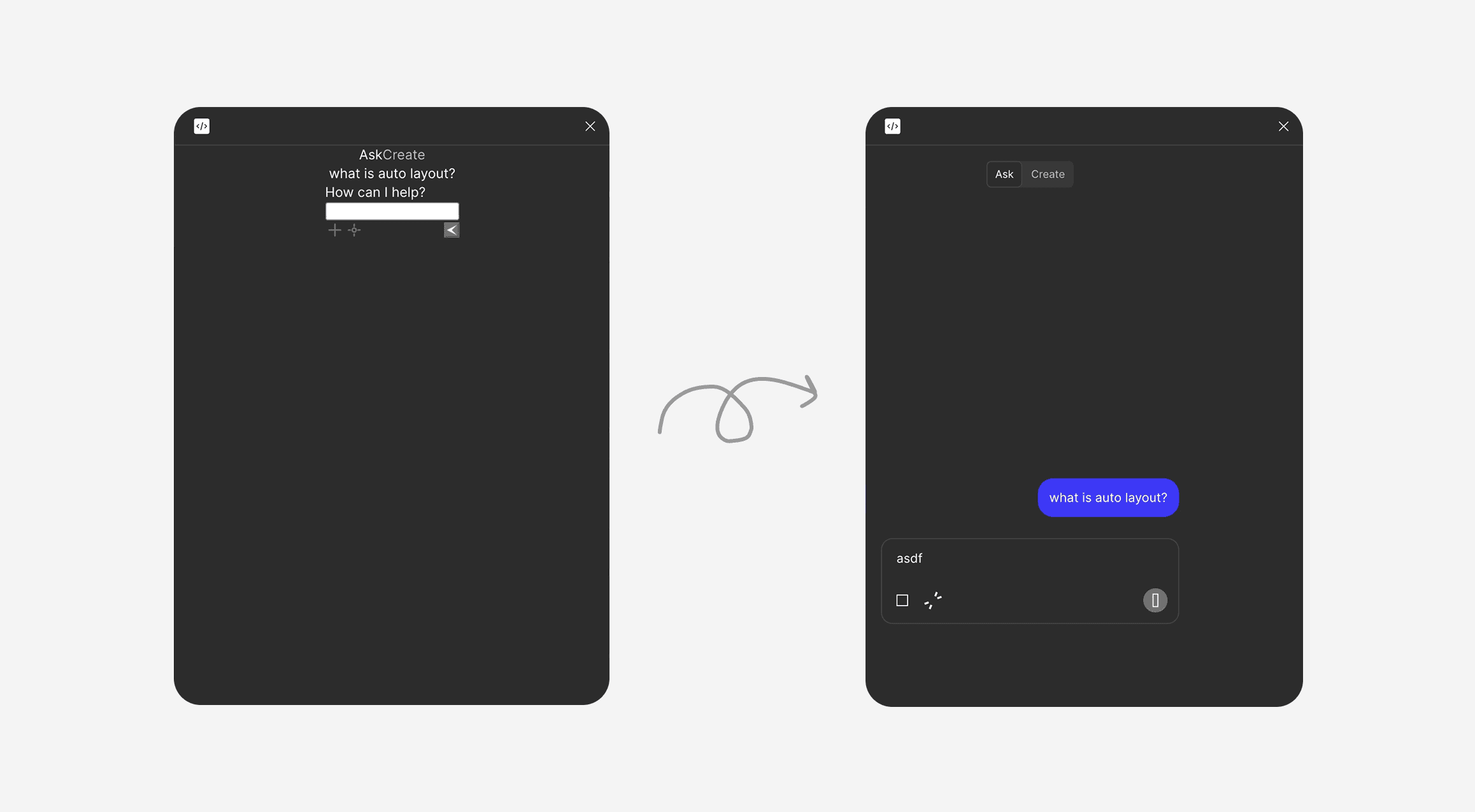
Initial iteration to mid-stage iteration
REFLECTION
My key learnings from this project
To AI or not to AI
Exploring AI taught me how to balance its use — recognizing when it improves efficiency and when traditional methods work better.
Balancing vision and feasibility
By understanding technical constraints early, we refined our ideas to deliver a solution that met needs while staying technically achievable.
What's Next?
After finishing this project, we saw the release of Figma's "prompt to edit" alpha, validating that the direction of our project was the direction that Figma is headed in.